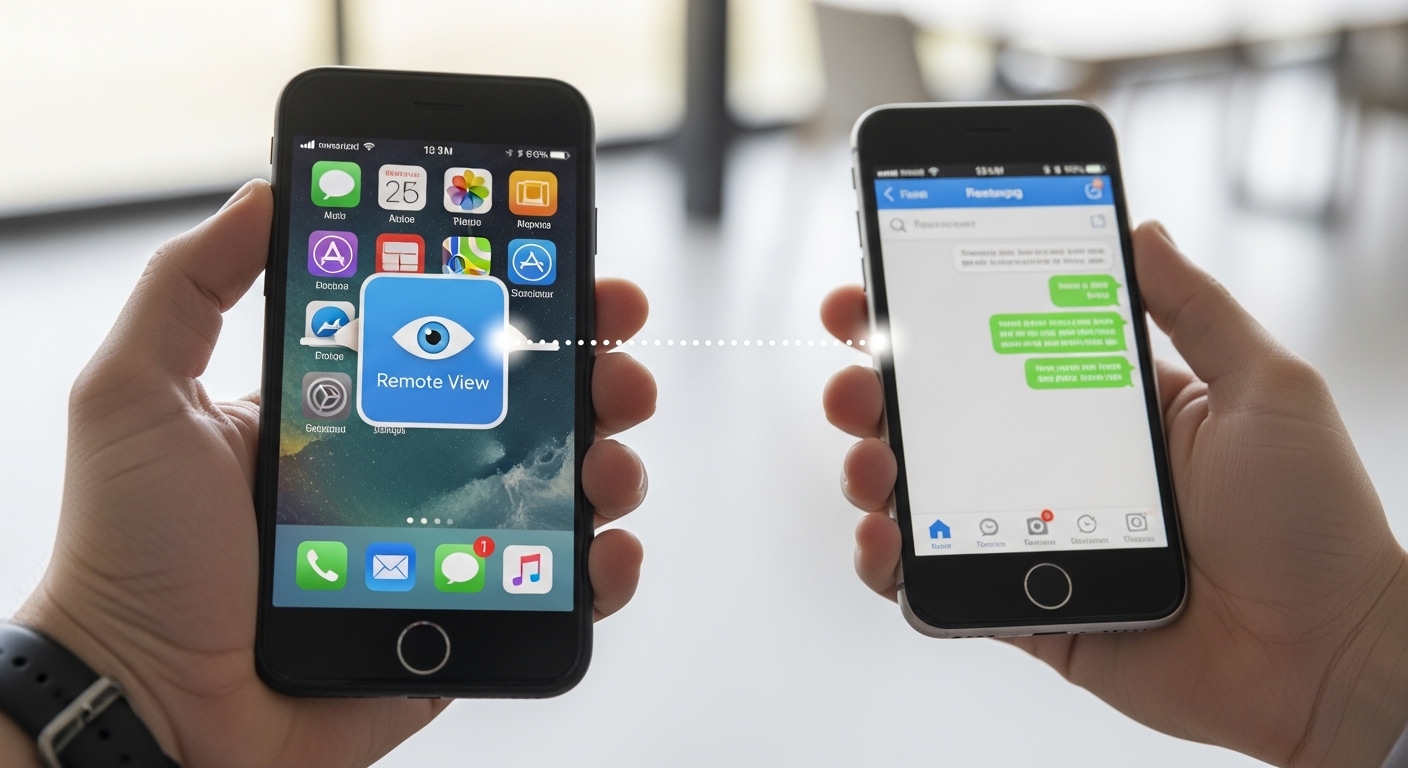
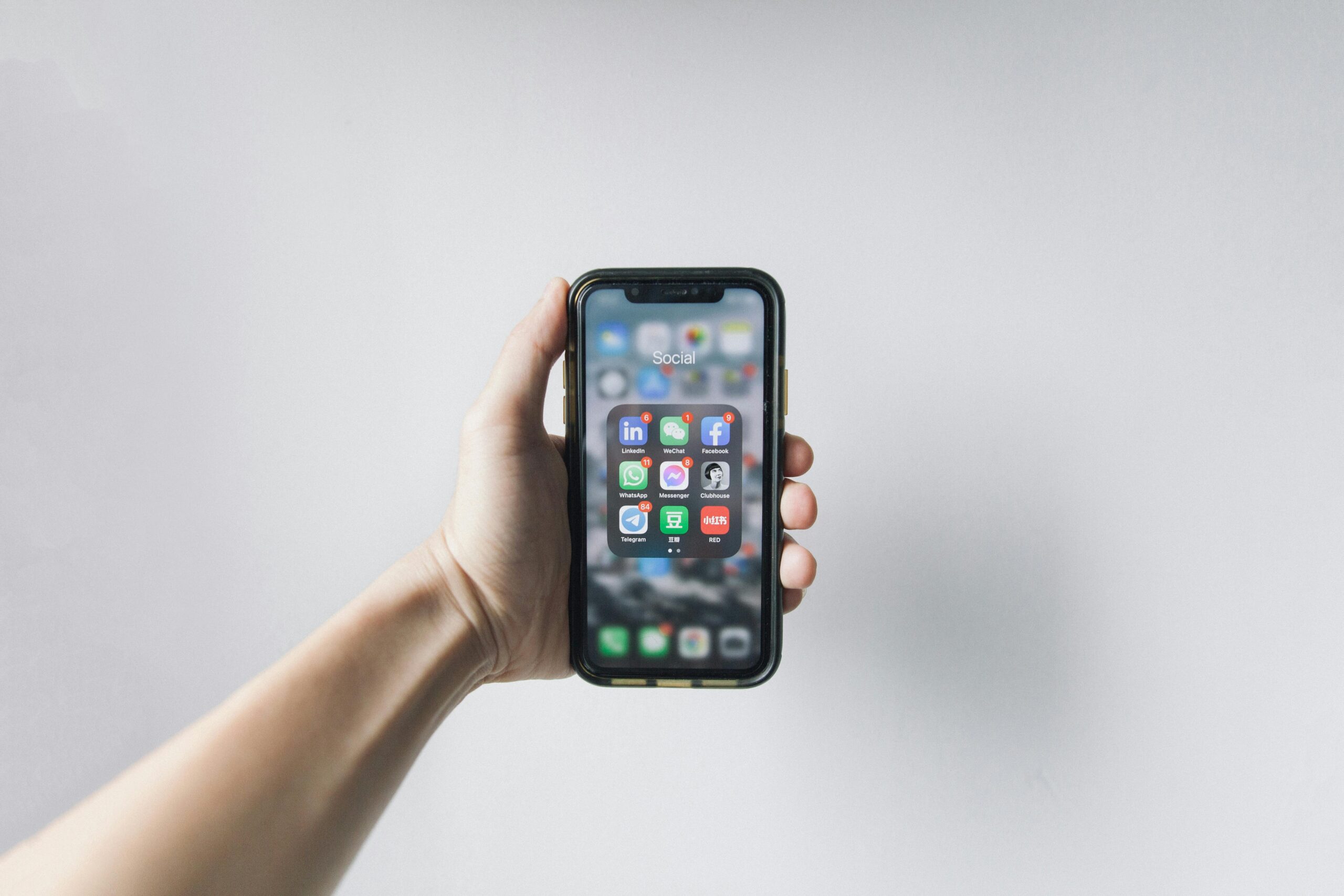
Have you ever wondered who visits your social media profile?
The truth is that Instagram doesn't offer this feature natively, but that hasn't stopped developers from creating apps promising to reveal this mystery. Among the most talked-about apps are In Stalker and Profile Viewers for Instagram, which promise to show exactly who is looking at your profile. But do they really work? How do you use these tools? And more importantly: are they worth downloading?
In this article, I'll delve deep into the world of Instagram visitor tracking apps. Let's discover together what each one offers, how they work in practice, and whether they truly deliver on their promises. Ready to unravel this mystery? 🔍
What are profile tracking apps and why does everyone want one?
Let's face it: curiosity is part of human nature. Knowing who's visiting your Instagram profile is practically irresistible for most people. After all, who hasn't wanted to know if that special someone is taking a peek at their photos?
Profile tracking apps emerged precisely to fill this need. They promise to reveal information that Instagram keeps secret, such as who viewed your profile, who interacts most with your content, and even who recently unfollowed you.
This demand has created a gigantic market of apps with similar offerings. Some are more reliable than others, and it's crucial to know how to differentiate between tools that truly add value and those that merely promise the moon without delivering anything.
Getting to know InStalker: features and promises
In Stalker is one of the most popular apps when it comes to tracking Instagram visitors. With a relatively simple interface, it promises to reveal several metrics about your account that the official app doesn't show.
Among the main features announced by In Stalker are:
- View who has recently visited your profile.
- List of followers who don't follow you back.
- Identifying who unfollowed you
- Engagement analysis of your posts
- Ranking of the most active followers on your profile.
- History of interactions with your account.
The app is generally available for Android and promises to deliver this data through algorithms that analyze patterns of behavior and public interactions. It's worth remembering that no external app has real access to Instagram's private data about profile visitors, as this information simply doesn't exist in the platform's official API.
Profile Viewers for Instagram: what does it offer?
Profile Viewers for Instagram follows a similar approach to In Stalker, but with some unique features. This app also promises to reveal who is closely following your account.
The most prominent features include:
- Profile visitor tracking
- Notifications about new followers and unfollows
- Detailed statistics about your growth on Instagram.
- Analysis of profiles that interact with you most often.
- Performance reports for your posts
- Identifying ghost or inactive accounts
The interface is usually colorful and visually appealing, especially geared towards a young audience that wants more control over their social media metrics. Many users download this type of app precisely out of curiosity to know who is visiting their photos without leaving likes or comments. 👀
How to use these apps: a practical step-by-step guide
If you've decided to try one of these apps, the installation and usage process is relatively simple. I'll guide you through the basic steps that typically apply to most of these tools.
Installation and initial configuration
First, you need to download your chosen app from the official store (Google Play Store or Apple App Store, depending on your device). Never download apps from untrusted sources, as this can compromise the security of your phone and your accounts.
After installation, follow these steps:
- Open the app and accept the terms of use.
- Log in using your Instagram credentials (security alerts begin here)
- Allow the permissions requested by the app.
- Please wait while the system "analyzes" your profile.
- Access the different resources available.
Navigating through the resources
Once inside the app, you'll typically find different tabs or sections for each function. Most of these apps have a main screen with a summary of the most important information, such as the number of recent visitors, unfollowers, and new followers.
Explore each section to understand what's available. Many apps offer free versions with limited features and premium versions with full functionality. Before paying for any subscription, thoroughly test the free version to see if it's really worth it.
The truth nobody tells you: do these apps actually work? 🤔
It's time for honesty. As someone who keeps up with technology and has tested many of these apps, I need to be transparent with you: most of these apps can't actually show you who visited your profile.
Why? Simple: Instagram doesn't provide this information through its official API. No third-party application has access to data about profile visitors because this functionality simply doesn't exist on the platform.
What these apps actually do is analyze public data and interaction patterns. For example, they can show who likes your photos the most, who comments frequently, or who views your stories (this information is provided by Instagram). Based on this data, they make "estimates" or "guesses" about who might be visiting your profile.
Some apps are more honest and make it clear that they are providing analytics based on engagement, not actual profile views. Others, unfortunately, make misleading promises to attract downloads.
Risks and precautions when using third-party apps
Here comes the serious part you need to know before downloading anything. Using third-party apps that request access to your Instagram account involves real security risks.
Your account security
By providing your login credentials to an external app, you are essentially handing over the keys to your account to unknown developers. This can result in:
- Theft of personal data and private information.
- Misuse of your account for spam or scams.
- Your account may be banned or suspended by Instagram.
- Permanent loss of access to your profile.
- Display of direct messages and contacts
Instagram has strict policies against the use of unauthorized applications. If the system detects that you are using tools that violate the terms of service, your account may be temporarily blocked or even permanently banned.
Privacy and data collection
Many of these free apps survive by selling user data to third parties. Your personal information, follower list, behavioral patterns, and even photos can be collected and sold without your explicit knowledge.
Always read the privacy policy before installing any application. I know it's annoying and nobody likes reading those huge texts, but it's essential to know exactly what you're authorizing.