
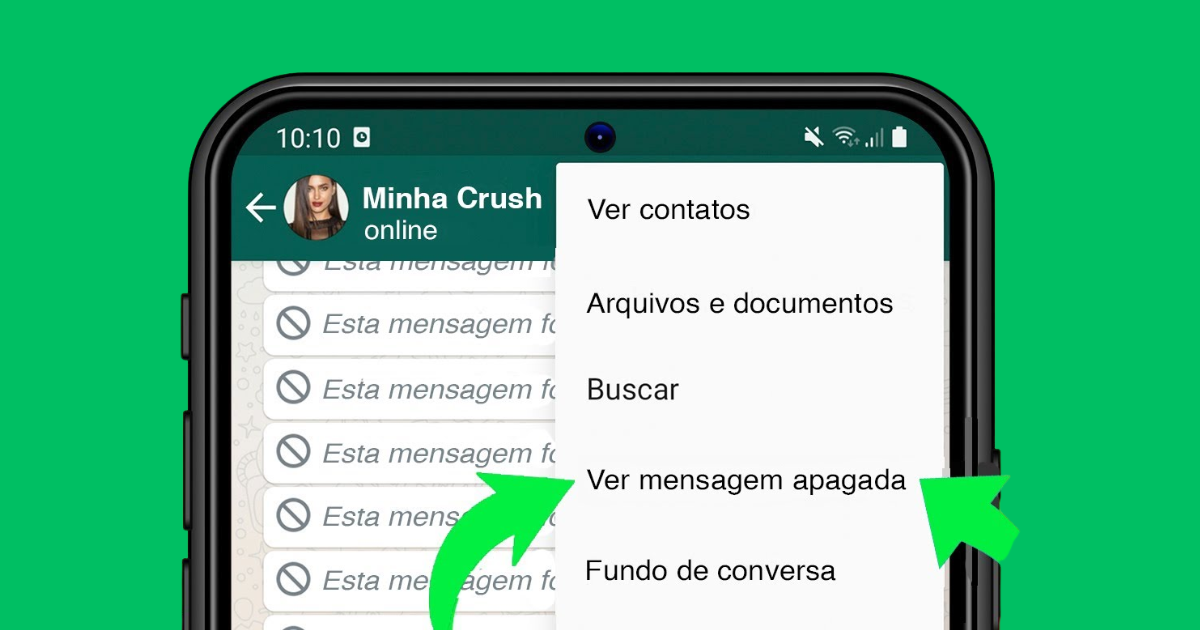
Did you accidentally delete an important message on WhatsApp? Don't worry! If you use an iPhone, there are simple and safe ways to recover your conversations, and I'll show you all of them.
Losing messages can be frustrating, especially when they involve memories, work information, or valuable photos. But the good news is that iOS offers several features to restore everything that has been lost, and even external apps can help.
1. Restore via iCloud
The most practical method is to restore a iCloud backup, provided it is active on your iPhone.
How to check:
-
Open WhatsApp.
-
Go to Settings → Chats → Chat Backup.
-
Check the date of the last backup and if the Automatic Backup It is activated.
How to restore:
-
Uninstall WhatsApp and reinstall it from the App Store.
-
Verify your number and tap on Restore Chat History.
Done! Your messages will be restored according to the last backup.
2. Restore via iTunes or Finder
If you usually back up your iPhone to your computer, you can recover everything via iTunes (Windows) or Finder (Mac).
Simply connect your iPhone, select Restore Backup and choose the desired copy.
This method replaces the current data with data from the backup, so choose carefully.
3. Use Recovery Apps
If you don't have a backup, there's still hope. Third-party software such as Dr.Fone, iMyFone D-Back e Tenorshare UltData They can retrieve messages directly from the iPhone.
Some are paid, but offer a trial version.
⚠️ Tip: Avoid unknown programs and never jailbreak your device, as this can compromise it.
4. Request the Conversation from the Contact
It seems simple, but it works. If the message was in a conversation with someone else, just ask them to resend it to you or take a screenshot.
Sometimes, the quickest way is the most effective way.
Tips to Avoid Missing Messages
-
Enable automatic backup. in iCloud (daily, weekly, or monthly).
-
Make regular backups. By computer.
-
Use the archive feature., Don't delete them if you want to keep old conversations.
Avoid future headaches.
Recovering deleted WhatsApp messages on an iPhone is possible, but prevention is the best approach.
With automatic backup enabled and a few simple precautions, you can ensure your conversations are always safe.
Did you like the tips? Share this article Keep this message handy, especially if you're constantly deleting messages from people you don't like, and save it for future reference!

Alfredo Gonzales is a digital writer and technology enthusiast, specializing in transforming everyday experiences with online apps and tools into light and inspiring stories. With a background in Communication and a passion for learning new things, he writes about the digital world in a practical and accessible way, always seeking to bring technology closer to people.